
Which device are you updating?
Everything runs in your browser. Pick the device and we'll walk you through connecting it. The model name is on the label on the back.
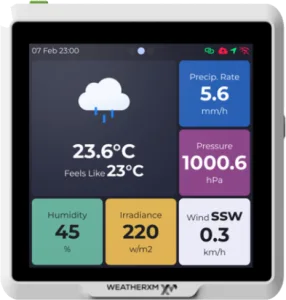
WG1200 - D1/D2 WiFi Gateway
USB-C cableThe gateway with the touchscreen display that links your station to the internet and mesh networks. In the latest firmware, the WG1200 speaks WeatherXM LoRa P2P, Meshtastic, and MeshCore, or you can flash it over USB-C to operate as a full standalone Meshtastic or MeshCore node.
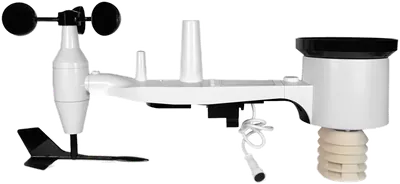
WS1300 - D2 LoRa Weather Station
BluetoothThe outdoor station with precision weather sensors. The WS1300 speaks WeatherXM LoRa P2P, Meshtastic, and MeshCore directly. Update it to the latest firmware (v22.7) wirelessly over Bluetooth from a laptop or an Android phone next to it.
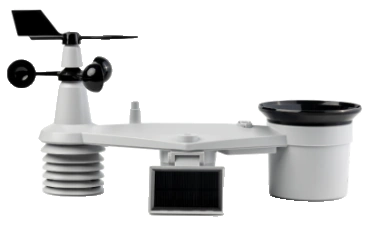
WS2001 - LoRaWAN Weather Station
BluetoothThe H2 starts on the WeatherXM network. You can connect it to The Things Network (TTN) or your own LoRaWAN network (e.g. ChirpStack). The hardware is the same as the Seeed Studio SenseCAP S2120, but it runs WeatherXM's own firmware, which does more: wind gust, rain total and max rain rate in one compact uplink (from firmware V5.1 also how steady the wind direction was), with a ready-made decoder. Your WeatherXM keys are kept, so you can switch back.
None of these flows touch hardware encryption keys or erase factory identities. Settings are saved safely to configuration flash.